
You know what a good clip looks like.
So let AI find it.
- Paste a URL.
- Tell Ritalgo what makes a clip good.
- It watches the whole video, finds those moments, and packages the top 5 as vertical clips ready to post.
Your video
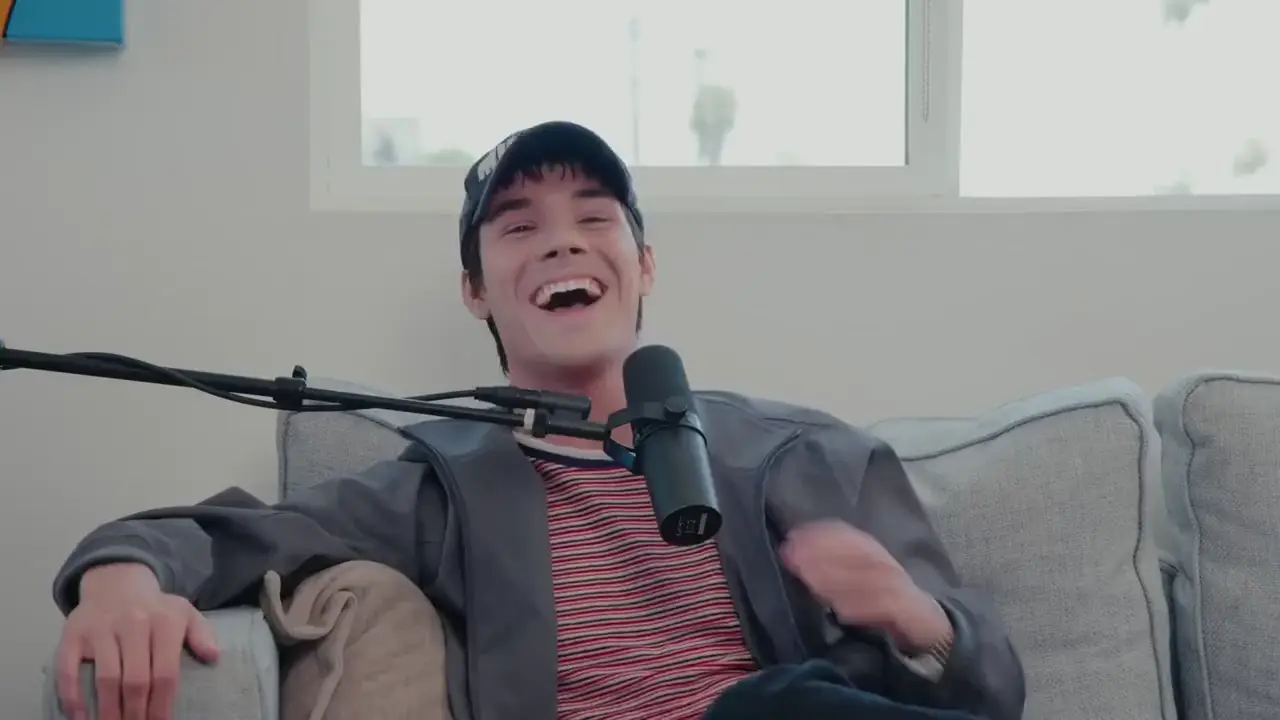
Ready-to-post clips
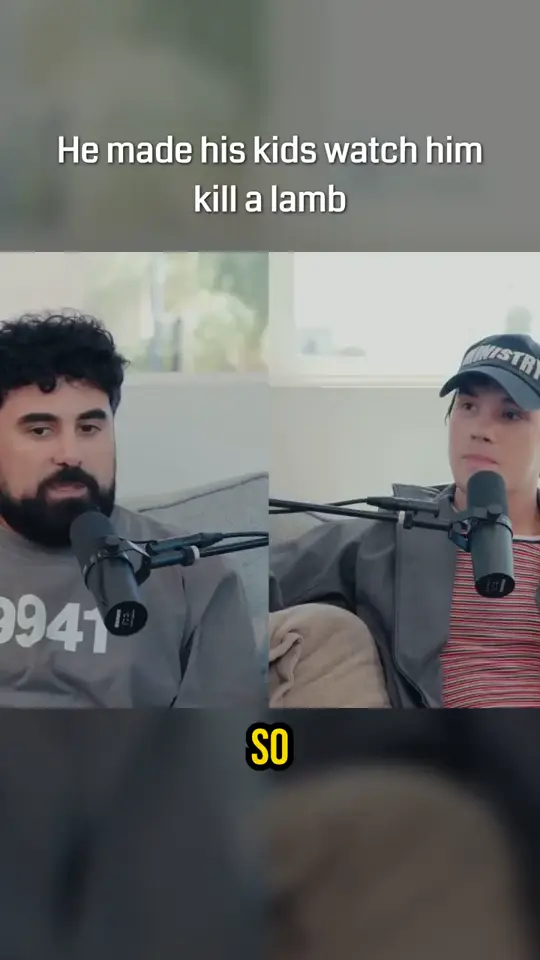
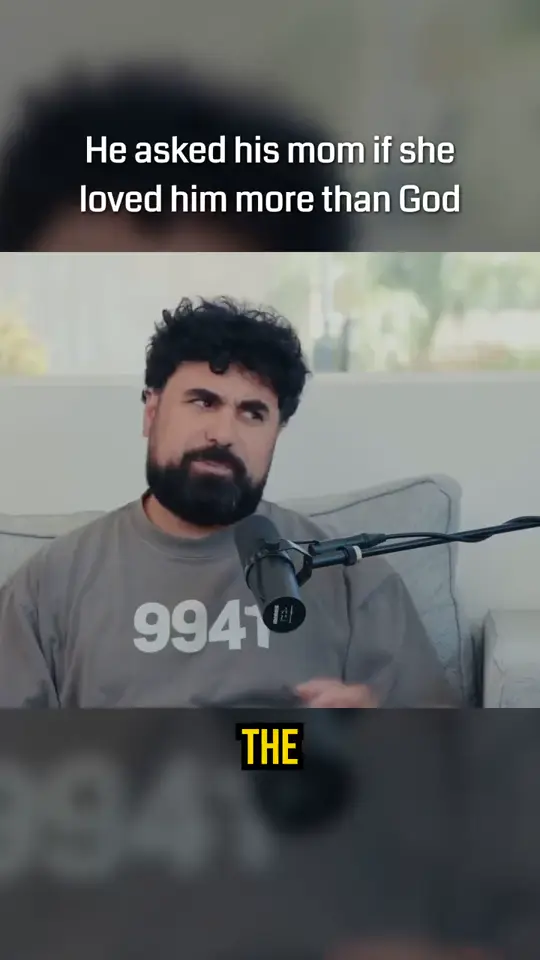
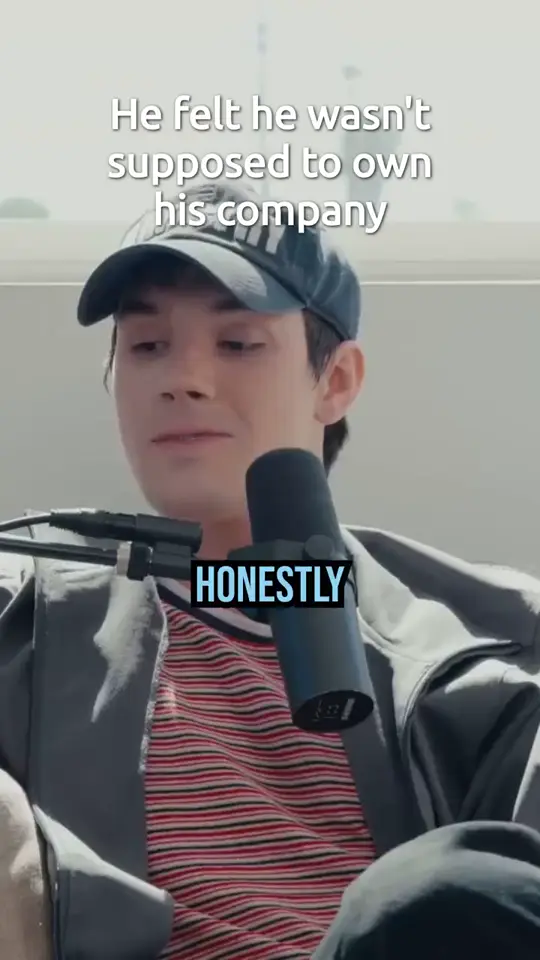

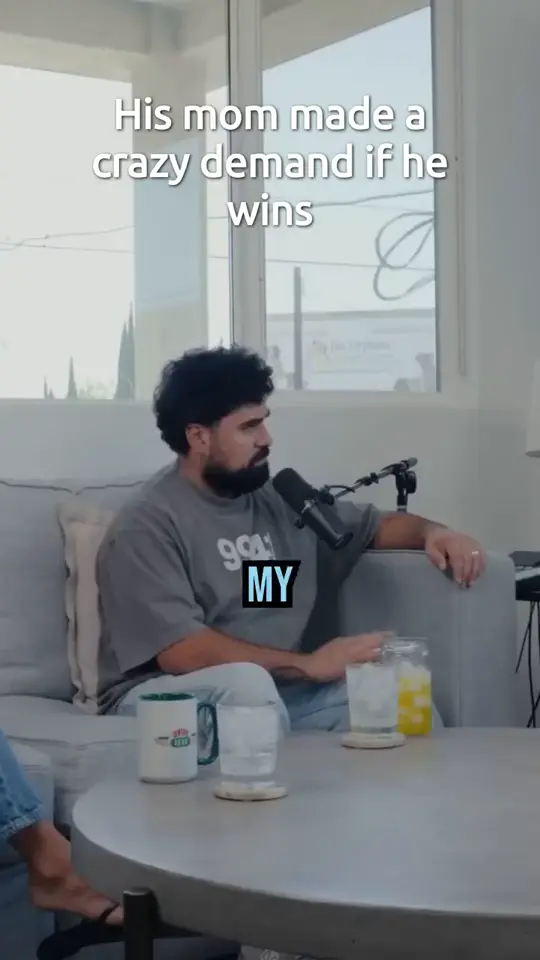
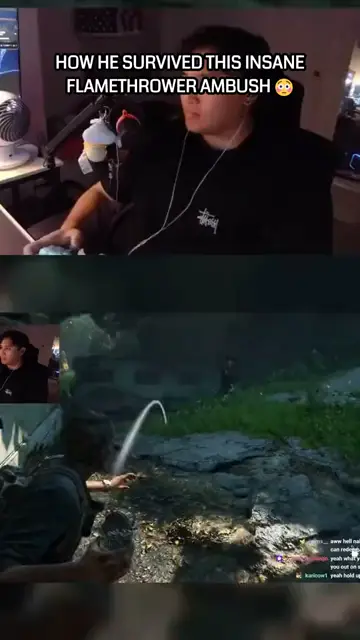
Clips cut by Ritalgo

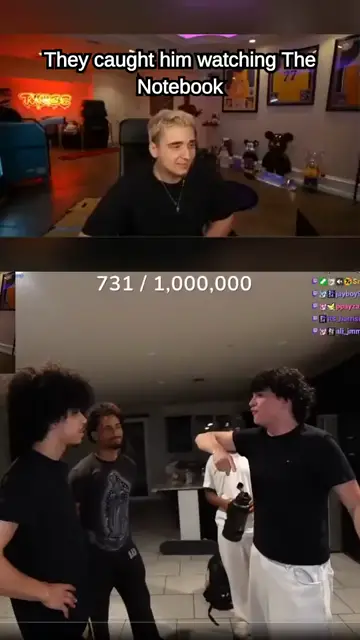
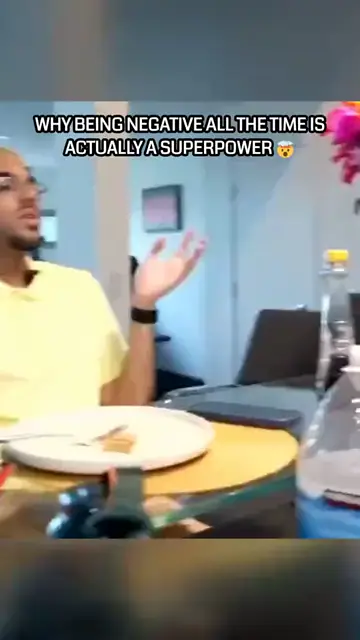
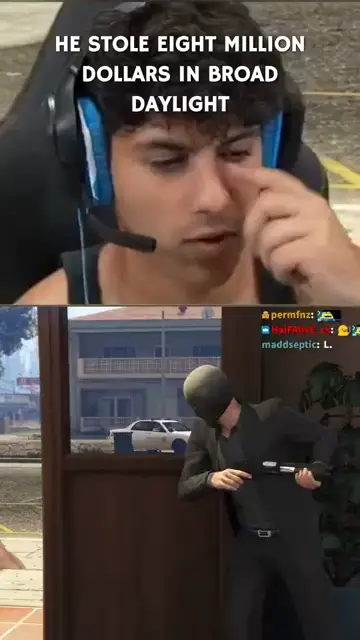





You decide what a good clip is
A finance breakdown and a variety stream do not go viral for the same reasons. Start from a scoring style built for your content type, and change it whenever it stops fitting.
- Pick a style. Presets tuned for podcasts, streams, faith and motivation, financial content, and general long-form.
- Or write your own. Say what makes a clip good in plain English, and the AI rates every moment against it.
- Share what works. Publish a rubric by link, or fork one from the community and make it yours.
Scoring style
The exact criteria this style scores on
Every moment is rated 0 to 2 on each one.
- Hook strength
- how strongly the first ~10 seconds from clip_start immerse a cold viewer. Score ONLY that open — ignore payoff later in the clip. Do not inflate because the clip is interesting overall or has a strong ending. Routine setup, throat-clearing, or mid-explanation is absent; a sharp question, bold claim, emotional jolt, or vivid stakes is strong
- Payoff clarity
- how clearly the last ~10 seconds before clip_end land a takeaway for a cold viewer. Trailing off or ending on setup/tease is absent; a clean insight, punchline, reaction, or resolution is strong
- Extremeness
- how shocking, outrageous, or boundary-pushing the content is — wild claims, insane stories, taboo admissions, or polarizing hot takes speakers clearly lean into. Score what is said or shown, not vocal intensity or clip craft (those are execution)
How well it performs · 2
What it is about · 1
All of this is editable. Rename them, drop the ones you do not care about, or write a rubric from scratch.
Then decide how it looks
A clip is only ready to post if it looks like yours. Reframing, layout, and captions are all yours to set once, then applied to every clip after.
Smart reframe that follows the action
Horizontal footage becomes 9:16 by tracking who is talking and what is on screen, shot by shot, instead of locking a crop to the middle of the frame. Tune it for gaming, podcast, or IRL, or leave it on auto.
Your own templates
Start from a packaged layout or build your own: choose how many panels, arrange them, set fonts, caption styles, and where the hook title sits. Save it once and every future clip comes out in it.
Packaged layouts
Middle band
Video centered, text gutters
Streamer stack
Face on top, game below
Two hosts
Speakers stacked
Side by side
Two speakers
Hosts + game
Two faces up, game down
Every one of these is a starting point. Panels, dividers, and caption placement stay editable per template.
See why every clip made the cut
No black box. Every moment carries a score on each thing you asked for and a short reason, so you can tell a genuinely strong pick from a near miss.
- Scores you can read. Rated 0 to 2 on each one, split into how the clip performs and what it is about.
- Reasons attached. Each pick explains itself in a sentence, instead of arriving as an unexplained cut.
- Search and re-rank. Sort by overall rank, hook strength, or payoff clarity, and search the moments for the one you remember.
The take that got the whole chat going
1:04:12
Why it made the cut
Opens mid-argument with a bold claim and chat reacts hard, though the point lands a beat after the cut.
How well it performs
What it is about
- Clip #2
Story about the first sponsor call
27:486/8 - Clip #3
Hot take on the new patch
2:11:305/8
And a real editor when you want it
Every clip opens in a full timeline editor. Nothing is a one-shot render you either accept or throw away.
Timeline
0:00 / 0:38
What you get
Not just cuts. Outputs you can review, edit, and post.
Hook titles & captions
Bold openers and timed speech captions packaged with each export, not left as a manual afterthought.
Vertical ready-to-post
Renders sized for TikTok, Reels, and Shorts so you can review and publish faster.
Timeline editor
Open any clip in the editor, adjust timing, captions, and composition templates before you export.
Saved styles & templates
Caption presets and templates carry across jobs, so your clips keep looking like yours.
FAQ
How scoring works, what you get back, and how billing is measured.
How do you decide which moments become clips?
You decide the criteria; we apply them. Pick a scoring style built for your content type, or write your own rubric out of the things you actually care about. Every segment is rated 0 to 2 on each one, ranked, and shown with the scorecard and a short reason.
Can I write my own scoring rubric?
Yes. Name what you want scored and describe each one in plain English, split into how a clip performs (hook strength, payoff clarity) and what it is about (your topics). Start from a template or from scratch, keep as many as you like, and share one by link or fork a public rubric from the community.
What makes RitalgoClip different?
Most tools hand you clips and keep the reasoning to themselves. We let you define what a good clip means for your channel, then show every score and reason behind the picks, so you can tell whether the ranking is actually right.
What kinds of videos work best?
Clear speech works best: podcasts, interviews, talk shows, and livestreams. We also filter out stretches with little or no audible audio so you are less likely to get empty or silent clips.
What do I get when a job finishes?
Up to 5 ranked ready-to-post clips on Starter and Pro (up to 2 on Free), sized for TikTok, Reels, and Shorts, each with scores, reasons, hook titles, and timed captions. You can review, edit, and export from there.
Do I need video editing experience?
No. Submit a URL or upload, wait for the job, then review the ranked clips. The timeline editor is there if you want to adjust timing, captions, or templates before you post.
How does pricing work?
You pay for source hours, the length of the long-form video you submit, not per clip. Free includes 1 hour per month with no credit card. See Pricing for Starter and Pro limits.
More on plans and source hours on Pricing.
Try it on your next video
Free includes 1 source hour per month. No credit card required. You pay for the length of video you process, not per clip. Each job delivers up to 2 ready-to-post clips on Free and up to 5 on Starter and Pro.